
Install the robot on MT5
Install the MT5 expert advisor, fill `ACCOUNT_CODE` and `ROUTING_TOKEN`, then validate the account from the client workspace.
Install the robot on MT5
Install the MT5 expert advisor, fill `ACCOUNT_CODE` and `ROUTING_TOKEN`, then validate the account from the client workspace.
Goal
Install TheConnector on MetaTrader 5 and confirm the live workspace connection.
1. Download the MT5 package
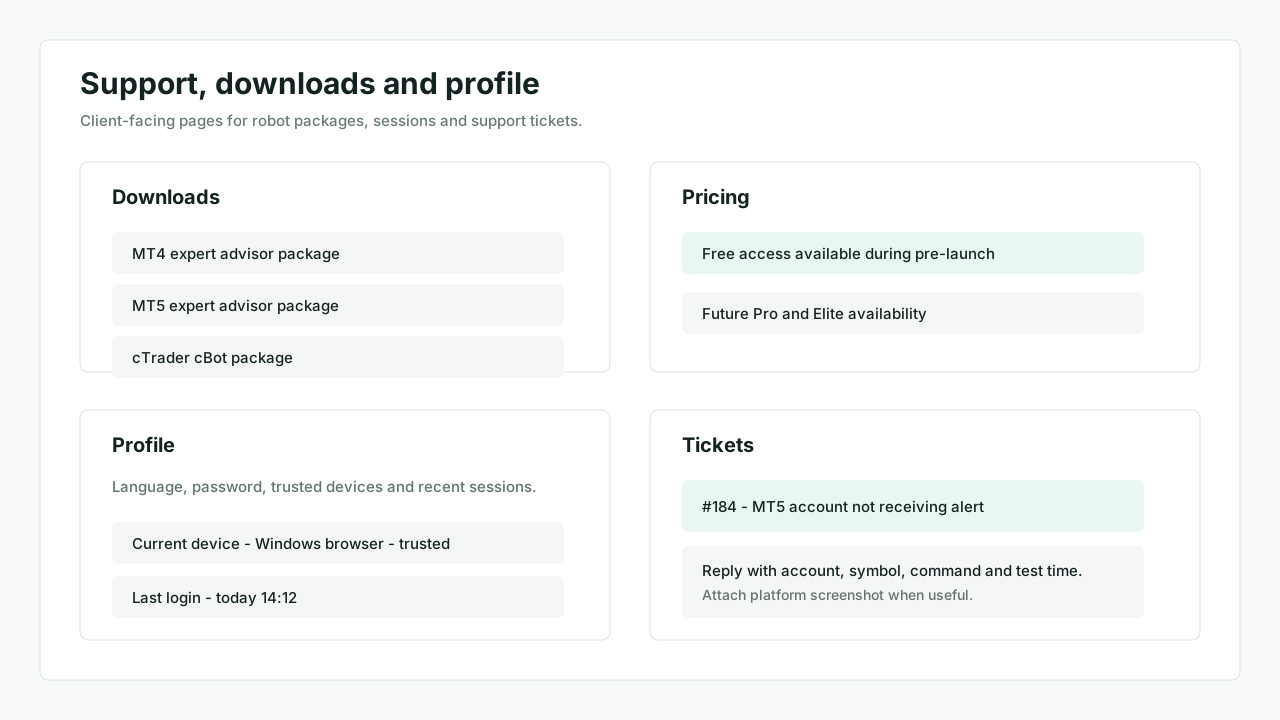
Open Downloads.
- Download the MT5 package
- Keep the account details page open while installing
2. Copy the files into MT5
- Open
File > Open Data Folder - Copy the expert advisor into
MQL5/Experts - Copy the required include files into
MQL5/Include - Compile in MetaEditor if needed
MT5 data folder
Check MQL5/Experts and MQL5/Include.
3. Retrieve the account credentials
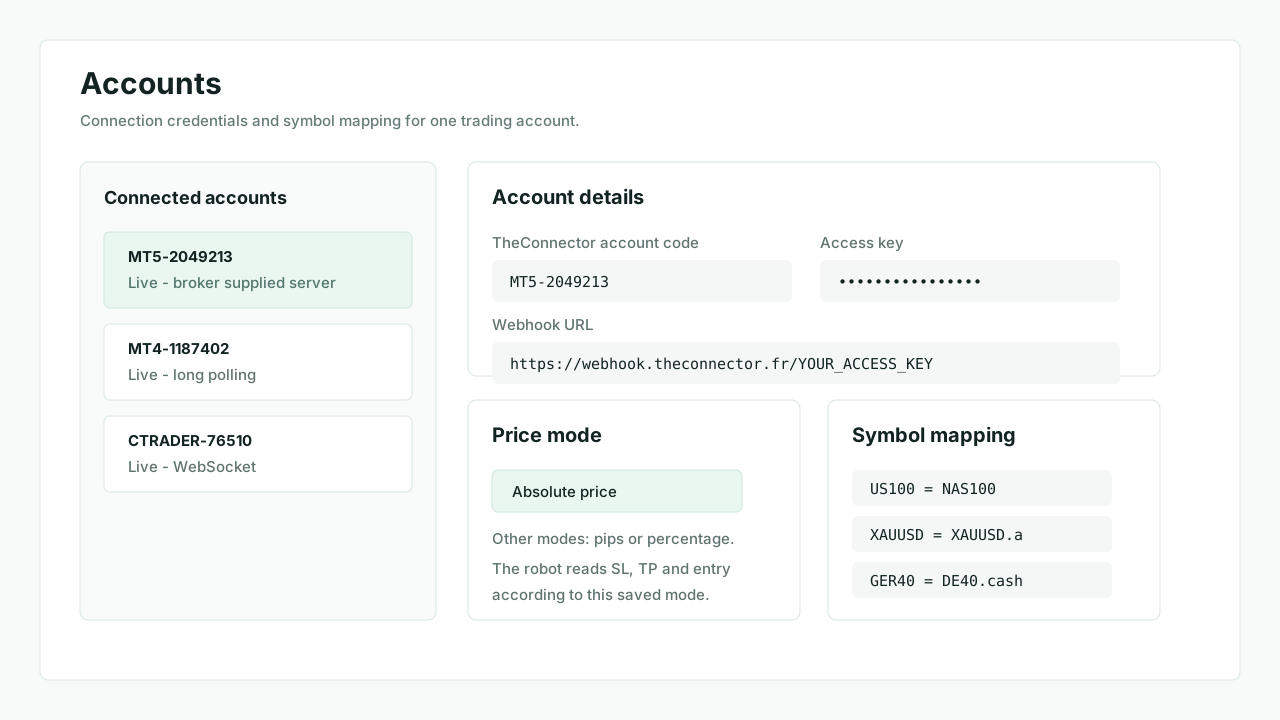
From Accounts, copy:
ACCOUNT_CODEROUTING_TOKEN
4. Attach the EA and allow algo trading
- Drag
TheConnectoronto a chart - Enable algo trading
- Confirm any permission requested by the package
MT5 EA properties
Check the Common tab and the algo trading checkbox.
5. Fill the connection inputs
Fill only the inputs exposed by the current MT5 robot:
ACCOUNT_CODEROUTING_TOKEN
The WebSocket endpoint is built into the package. Do not add broker-specific host or port values unless support explicitly provides a custom build.
6. Read the status panel
The MT5 panel should show the TheConnector account, trading account, broker, transport and connection state.
MT5 panel
Check the panel with broker, transport and connection state.
7. Validate from the web workspace
Accountsshows the account asLiveTransactionsshows the first test alert if the current plan includes itOrdersor the robot panel starts giving useful feedback after activity